How to Optimize Images for SEO
Have you done everything you could to improve the ranking of your website on the SERP but are still unsatisfied with the results?
Well, you are not alone!
People around the world have tried to master and apply a variety of SEO techniques to make their brand rise above the rest on the internet. However, many critical components of a web page need to be optimized simultaneously for your strategy to work: Photos are one of those!
In many cases, neglecting your site’s visuals and leaving them unoptimized prevents it from appearing at the top of a search engine result page.
According to studies, visual graphics provide a better understanding and engagement with the content you plan to upload. Almost 20% of people use Google Image Search to find a particular product or service.
In a nutshell: Marketers who don’t optimize the images on their websites are missing a golden opportunity to land potential customers.
Whether you are unaware of high-quality image SEO optimization techniques or want to improve your current skills, these tips will maximize your findability and ranking on SERPs.
1. Pick Images That Are Relevant
The pictures you use on your webpage must be relevant to the content. This will help people understand what the text is all about. When you design or capture your own photos, the relevancy will ensure a personalized narrative of your product/services.
Unfortunately, not many people have the skill or resources to use original and custom images. In that case, they opt for stock images. Millions of affordable stock photos are available in almost every category on the internet. They boast excellent quality and are suitable for different projects. Check out Creative Fabrica to obtain incredible png images!
Whichever image medium you decide to go for, it is essential to ensure its relevance with the topic at hand. However, you must remember that they may often be common or generic if you use stock photos. For example, you may see a random picture like below on almost every other cooking blog.

To avoid this issue, make sure to search comprehensively and find pictures that don’t appear cliche. It is also recommended to edit the stock photos before using to give them a unique and personalized touch – according to your brand’s layout.
2. Choose Proper Image Format
Understanding different image formats can be a bit confusing. However, you must choose the file type that perfectly suits your website’s optimization requirements. PNG and JPEG are the most commonly used formats of all time.
PNG
PNG is one of the most high-quality formats to produce images. You can resize or compress them as needed because they won’t lose quality after doing so. It is an ideal extension for photos and vectors. But due to their lossless format, the size of a PNG picture tends to become quite large.
JPEG
JPEG is a moderately-sized image format that can easily be converted from larger to smaller-sized photos. Although photographs might look similar when you resize a JPEG, they might lose image quality and pixelate when it comes to text. However, it is an ideal format when you need a small file.
3. Compress Your Images to a Suitable Size
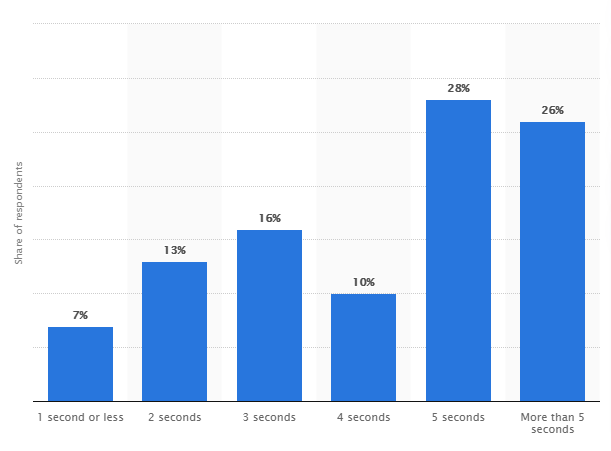
When users click on your website from any possible link, they expect fast loading and highly-responsive pages. Marketing and SEO experts have emphasized the short attention span of visitors in the 6-second rule. According to them, a marketer has only 6-seconds to capture the attention of the audience.
By compressing the images, you can improve the website’s loading time and ensure that visitors stay there longer.
Once you have decided which format you are going to use, it is essential to compress your images. You must do this without disrupting their original quality.
There are several high-end image compression tools available online. Most of them do not come with a price tag, allowing you to complete the compression process conveniently.
4. Name Your Photos Appropriately
Recent changes in the Google algorithm for SEO have focused mainly on naming your image files with appropriate titles before uploading. To help increase your website’s ranking, make sure to create image file names that briefly describe what the picture is about rather than a random combination of words and numbers.
Furthermore, if your keyword doesn’t describe the image you are about to name, never use it for that particular image. This attempt to rank your web page does not guarantee that you will achieve your SEO optimization goals.
Naming your picture with a title that describes it well allows your content to appear in search results when the user searches for a similar query. It is essential to choose simple words without unnecessary complications.
For example, consider this image of a lion.

Suitable Name: Lion, Lion Head
Unsuitable Name: Image of a lion with a black background, King of the Jungle, IMG0000123JPEG, abcdef, Folder1 Image
If you notice, the proper name describes the picture in a couple of words. On the other hand, unsuitable options are overly complicated and do not fully represent or describe your chosen picture.
5. Focus on Adding ALT Text
Also known as Alt description, these tags are designed to define the image you have uploaded. They help the search engine crawlers to analyze the image, determine its connection with the title, and rank accordingly.
Another advantage of Alt tags is that they are identifiable by a screen reader. This feature helps people with visual impairment or disabilities gain an understanding of the visuals through screen readers.
When crafting your Alt tags, make sure to describe your image in just a couple of words.
Here is an image, for example:

Good Alt Tag: Female beauty model laughing with makeup brushes in front of a pink background
Bad Alt Tag: Woman, a woman with brushes, woman laughing
You see, with just a couple of words, the image becomes more apparent and understandable.
6. Complement Images With Captions
Captions are words that can be seen directly beneath an image. They describe what the image is about or is trying to portray.
While using proper file names and alt text to optimize images is a great way to improve SEO, these elements are hidden, so they do not directly impact viewers. On the other hand, image captions appear on the display screen and have the ability to draw attention to the correlated pictures. They invoke the desired emotions and improve the user experience.
By keeping visitors engaged for more extended periods of time, image captions naturally decrease bounce rates. In turn, this improves website credibility with search engines.
Here’s an example of an image with a caption:
 Figure 1: Brave firefighter saves boy from blazing fire caused by an unattended gas heater at a residence in WA.
Final Thoughts
Image optimization is an essential part of your SEO journey. Simply adding images to your content cannot help you achieve your goal of getting online success. By following the simple image optimization steps outlined in this article, you can significantly improve the ranking of your website on search engines.
To sum it up, make sure to use relevant images that are named appropriately, compressed, and sized correctly, accompanied by proper alt tags. Don’t forget to include captions beneath each image on your web page to guarantee engagement and user satisfaction!



 This is why Google says the average person has the attention span of a goldfish because there’s so much competition to get your attention today.
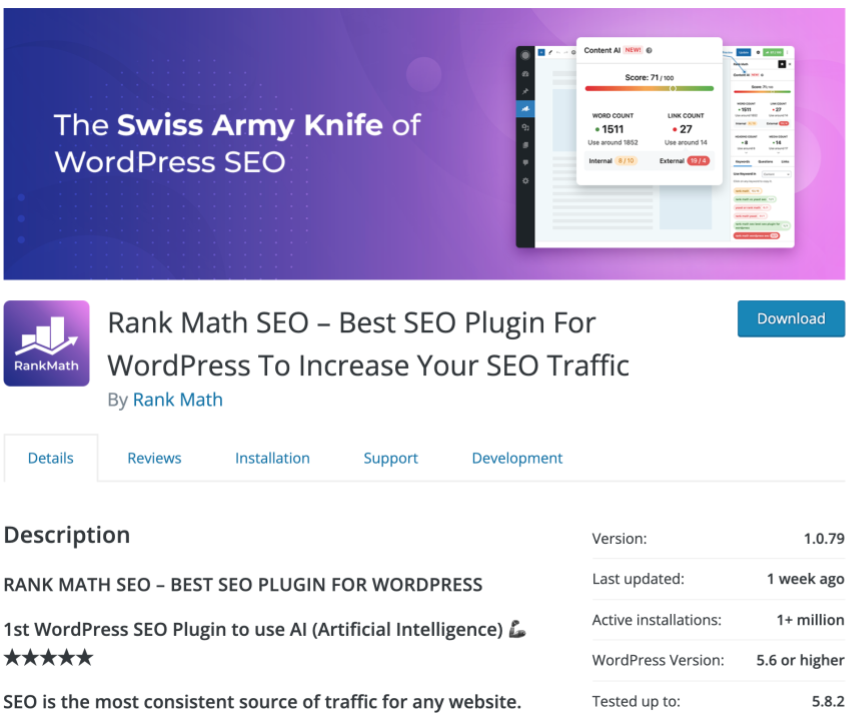 You can also use
 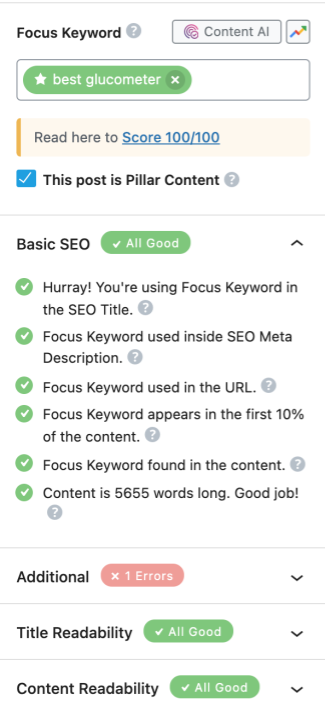 I’ve tried to optimize my website without a plugin like RankMath and it was impossible to find out what I did wrong.
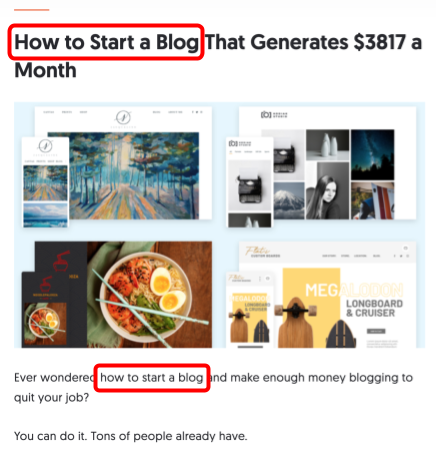
 Use keywords at the beginning of your title if possible.
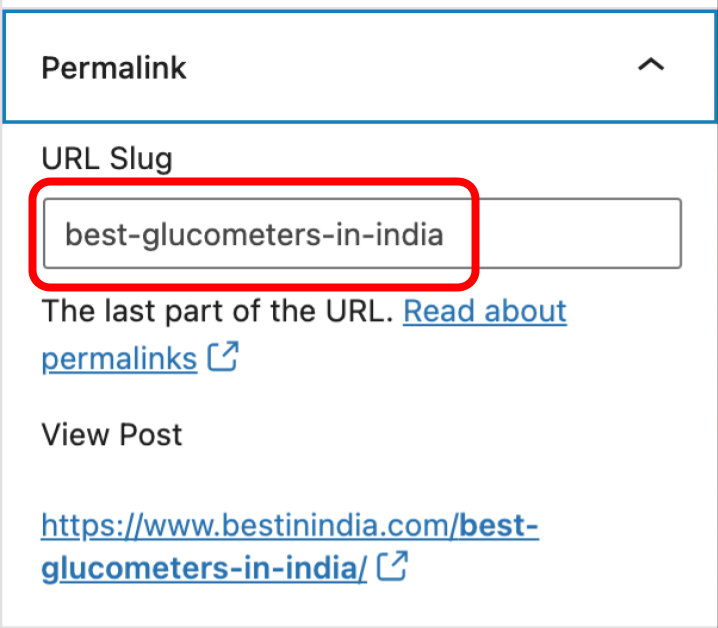 Using keywords here helps search engines find your page easier since they read these parts of your web address too when crawling pages on your site.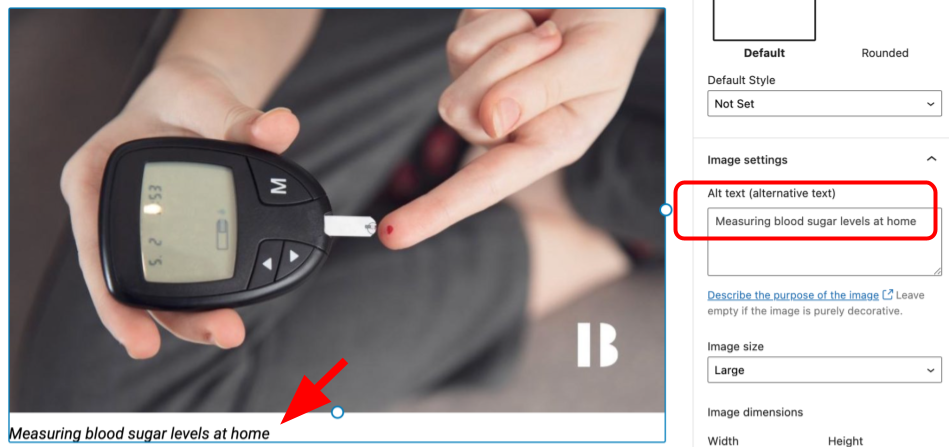
 Well, actually that’s not true anymore because Google takes into account how many times each word appears on a page when it calculates its results.
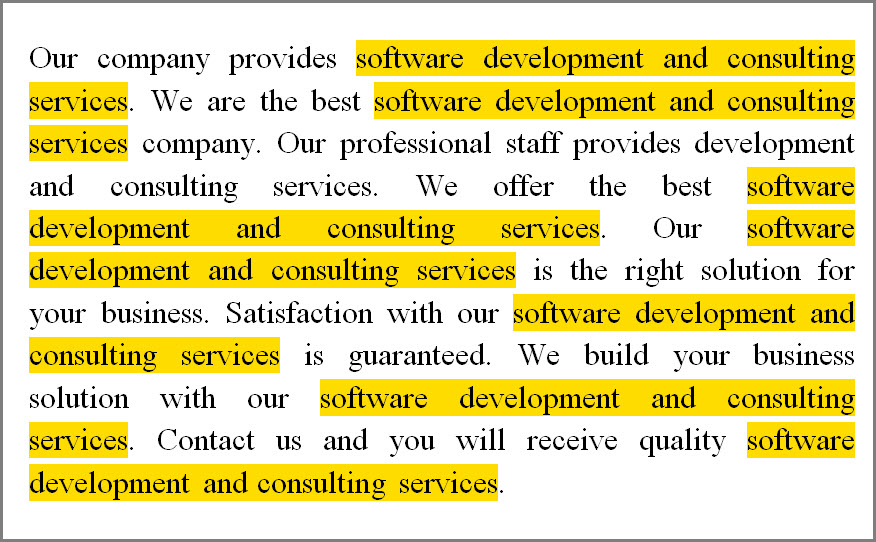 If you stuff your web pages with words or phrases from your SEO title tags, meta description tag, image file names, page headings, and other related terms, Google will take notice and give you less traffic because it’s obvious you’re trying to fool it.
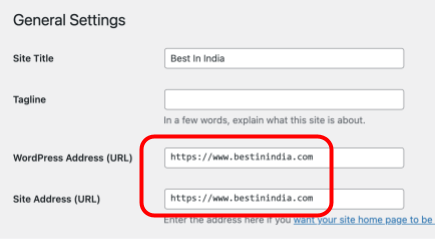 Google looks at example.com and www.example.com as two separate domain names, instead of seeing them as one and the same.
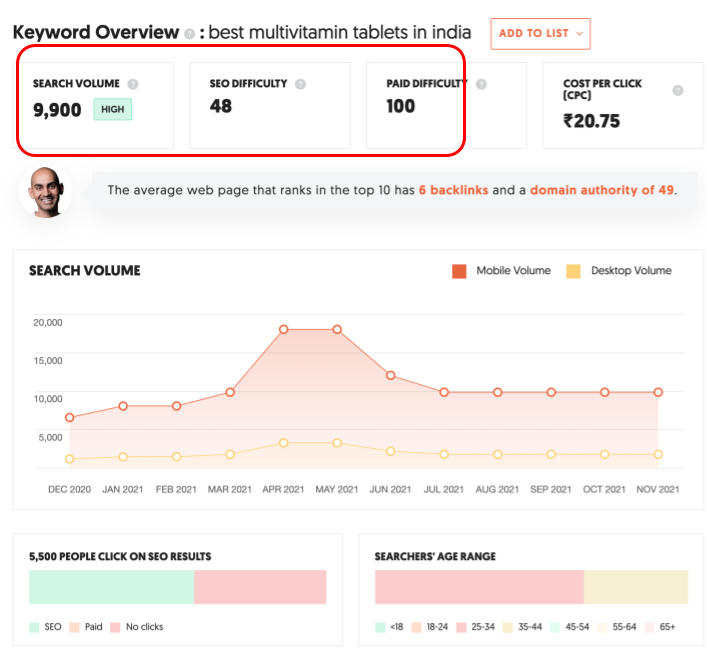 Choose keywords with low to medium competition and high search volumes (at least 2k searches a month).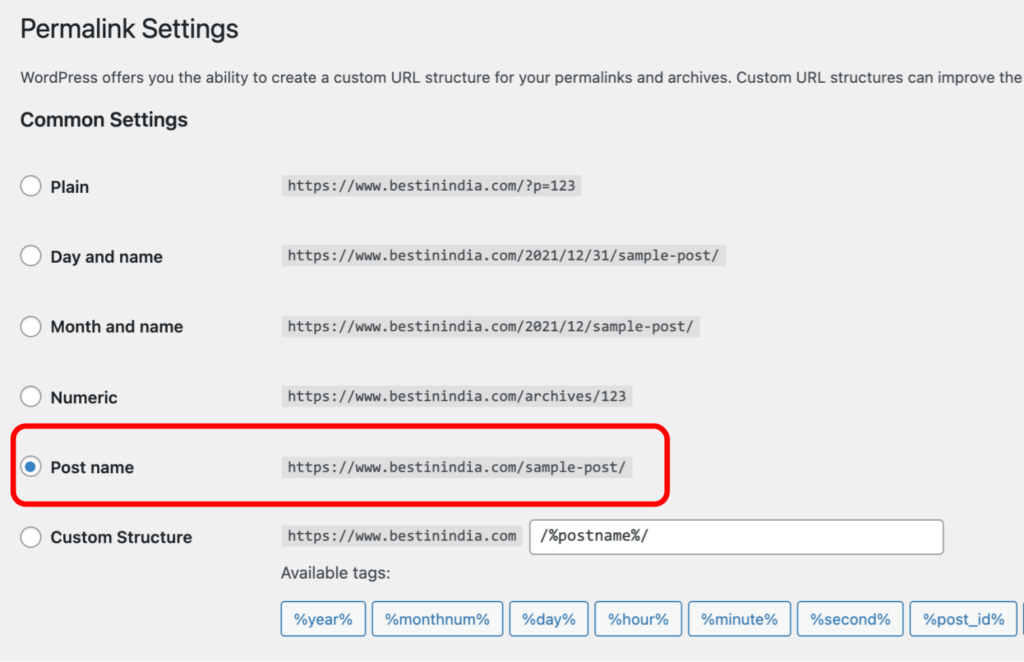
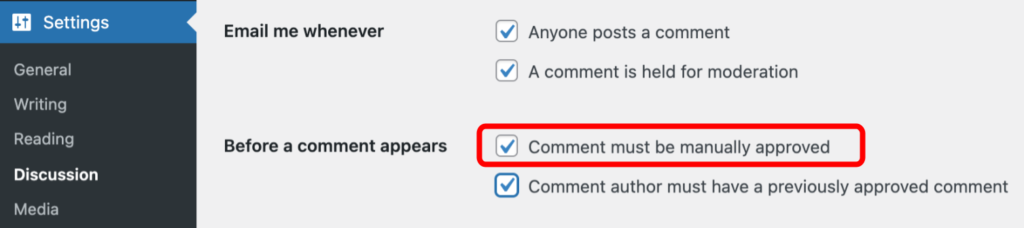 This is the best way to stop spammy content from appearing on your website because spammers tend to include lots of keywords in their comments which are then indexed by Google and other search engines.
 Built-in canonical tags, which tell search engines whether a page is an original version or a duplicate of other pages on your site.
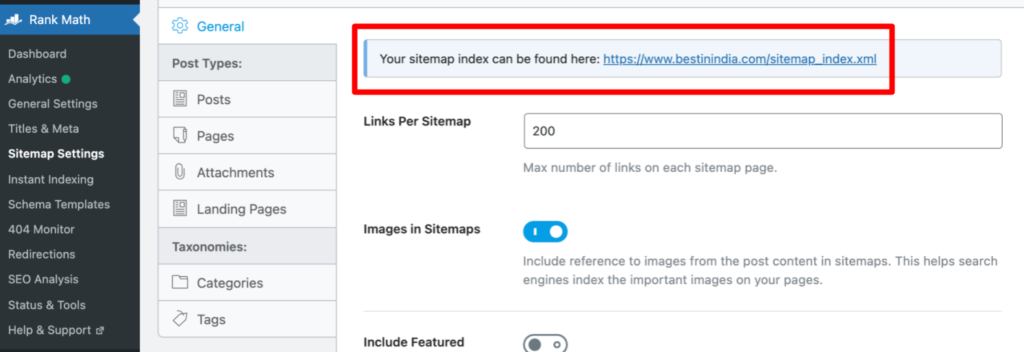 It’s important because it notifies search engines where they can find new content.
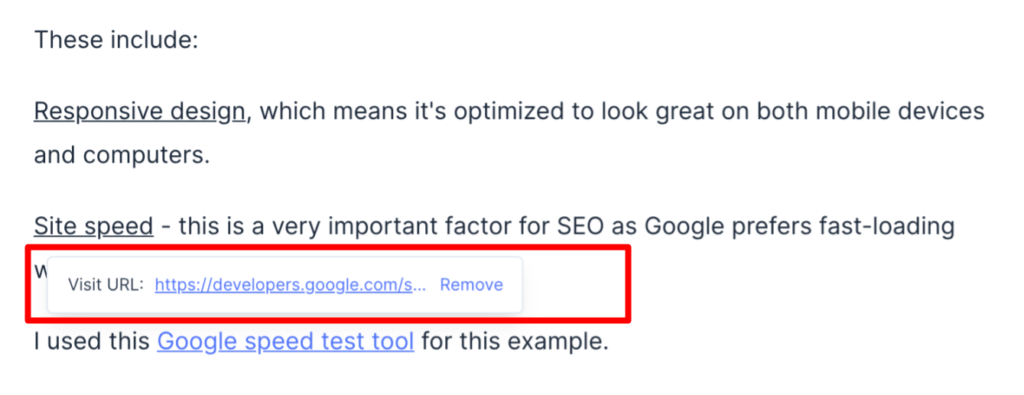 You can increase your search rankings by building relationships with other industry authorities.
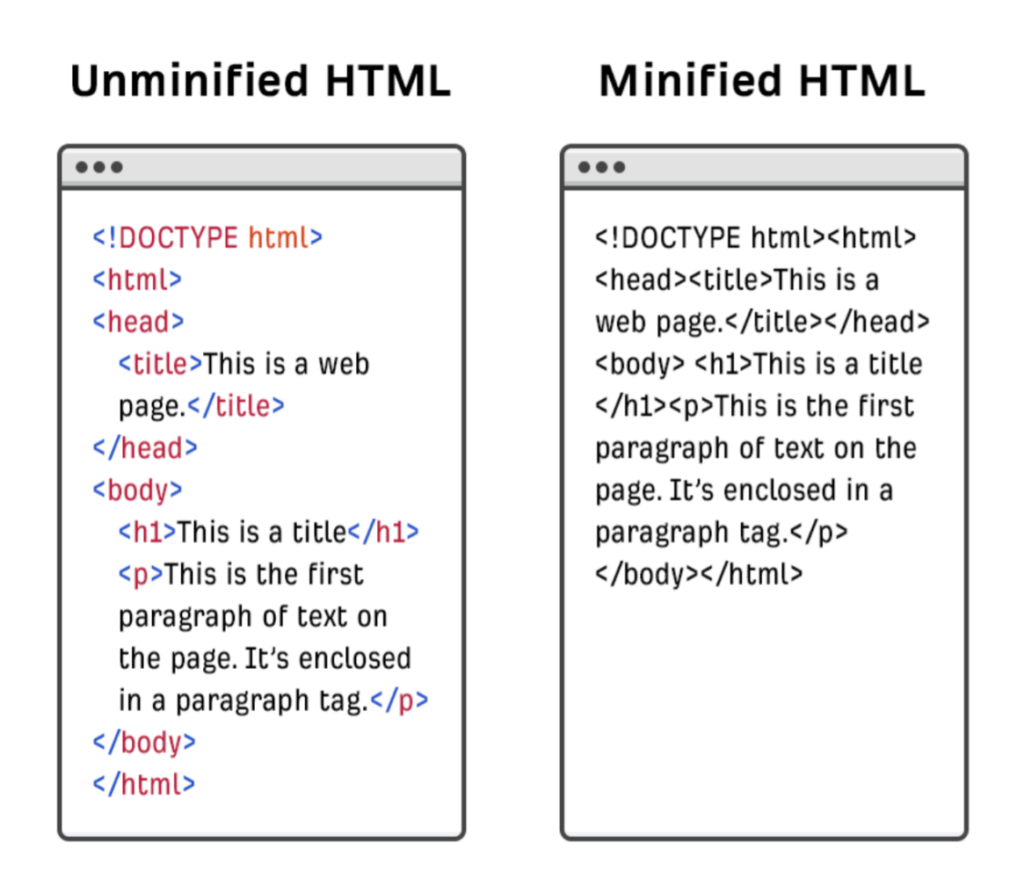 When your content is loaded onto a web page, it’s processed by the browser, which interprets HTML, CSS, and other code.
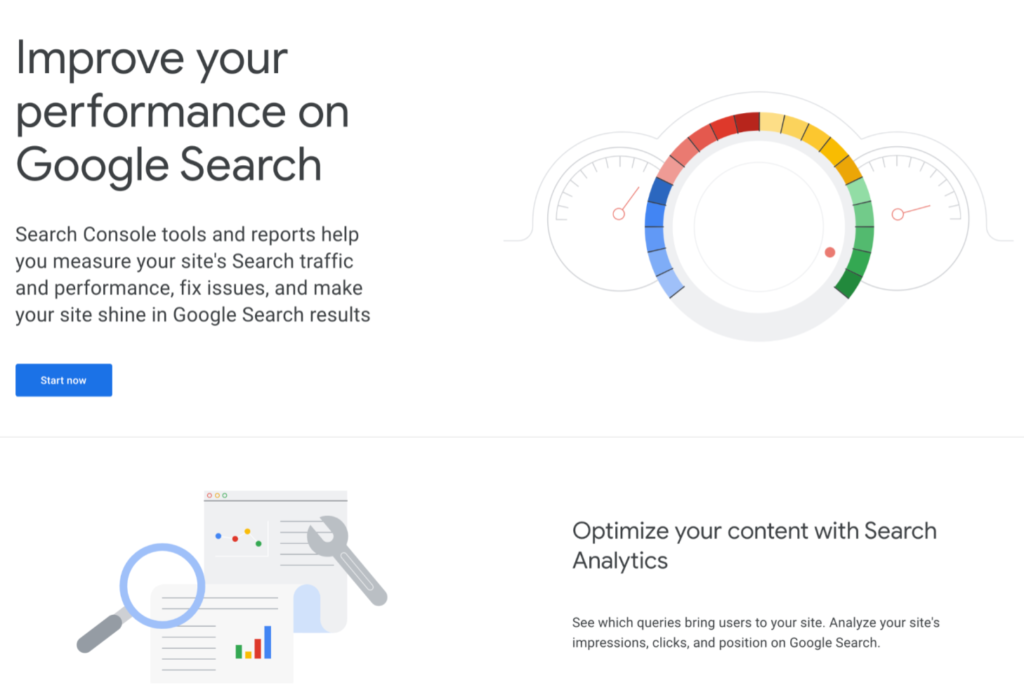 Google Search Console is a free service from Google that you can use to monitor and maintain your website’s search performance in major search engines.
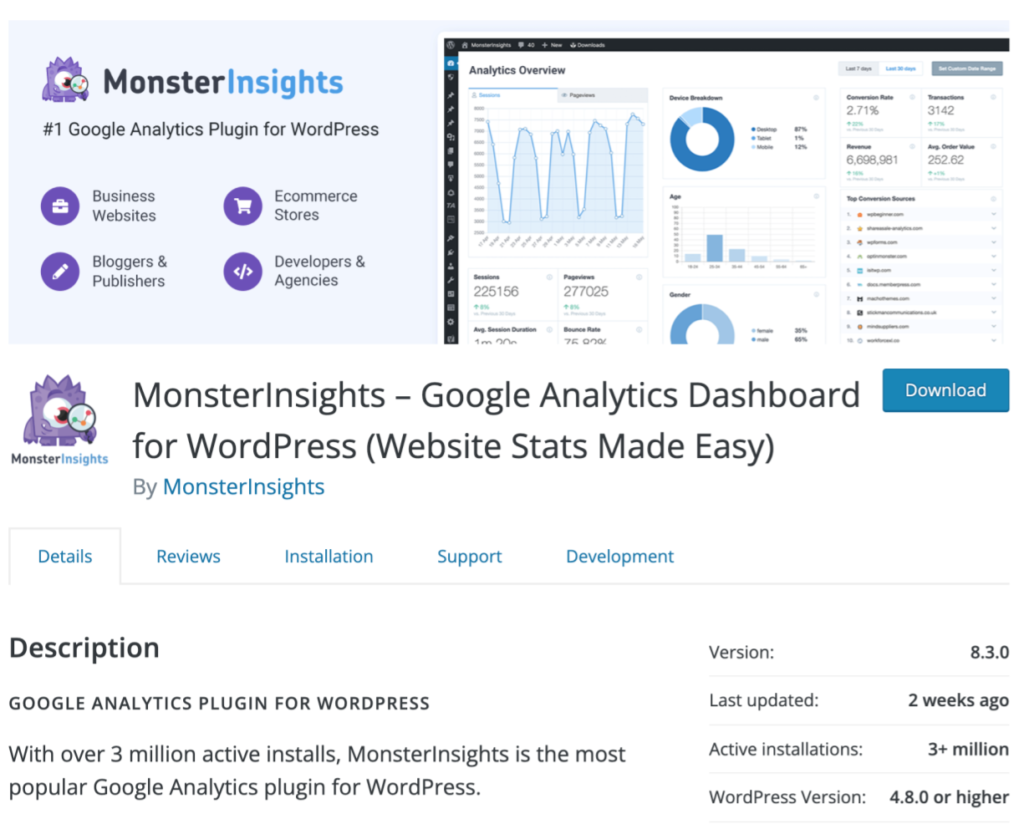 Monster Insights
 Use this link to download the “








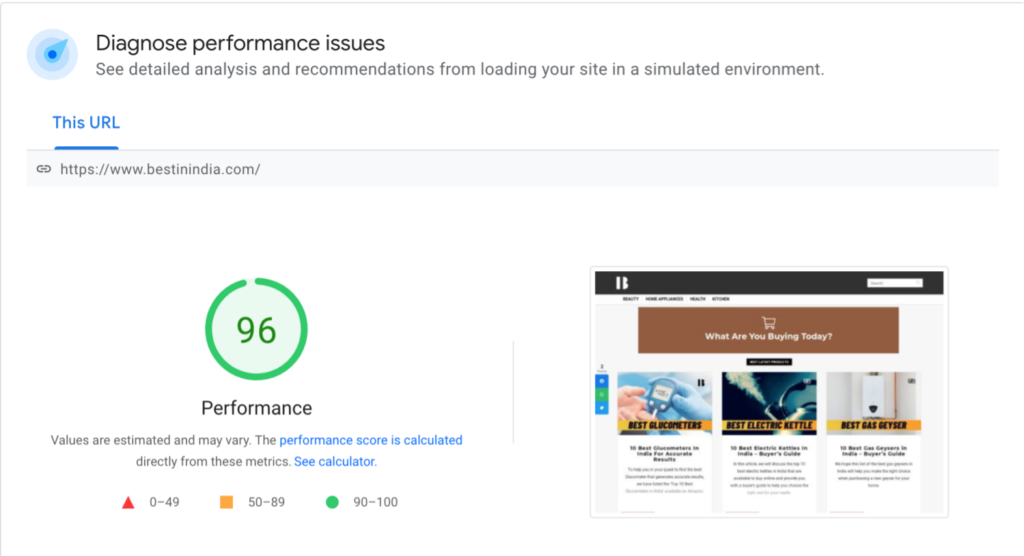
 To optimize the speed of your site, you apply the following techniques: